



Inclusive Insights Platform: Additional context
Inclusive Insights Platform: Additional context
Additional context for blind, low‑vision, Deaf and hard‑of‑hearing users viewing the Inclusive Insights Platform video
This article provides the visual and audio information that blind, low‑vision, Deaf or hard‑of‑hearing viewers may not access in the Inclusive Insights Platform video. It describes the key images, scenes, and on‑screen text that support the spoken message.
The video is warm, people‑centred and grounded in real environments. It shows genuine participants, staff and lived‑experience testers in action across public transport, workplaces, digital testing sessions and community settings.
Opening visuals
The video begins with soft, optimistic music. A dark blue screen appears with the Ability Works Australia logo and the tagline “Purpose Through Employment.”
This fades into a montage of real participants:
- A woman in a hi‑vis vest sitting on a train, smiling and talking with a facilitator.
- An electric wheelchair user navigating a busy public space.
- A man pushing a woman in a wheelchair along a footpath.
- A woman assisting another woman in a wheelchair.
- A group of people stepping off a bus and waving to the camera.
These scenes show everyday public environments where accessibility plays a key role.
A map of Australia
A dark blue background appears with a white outline of Australia. Soft red dots pop up across metro, regional and rural areas, representing participants around the country.
On‑screen text later reads: “1000+ participants nationwide.”
Diversity of participants
The video shows people of different ages, genders, cultures and access needs, including:
- Electric wheelchair users
- People using white canes
- A guide dog team boarding a tram
- Someone reading braille signage
- People using assistive technology
- Groups in hi‑vis vests participating in human‑factors testing
These scenes highlight the range of lived experience represented on the Platform.
Examples of work shown
As the narrator lists the types of work, the video shows real examples:
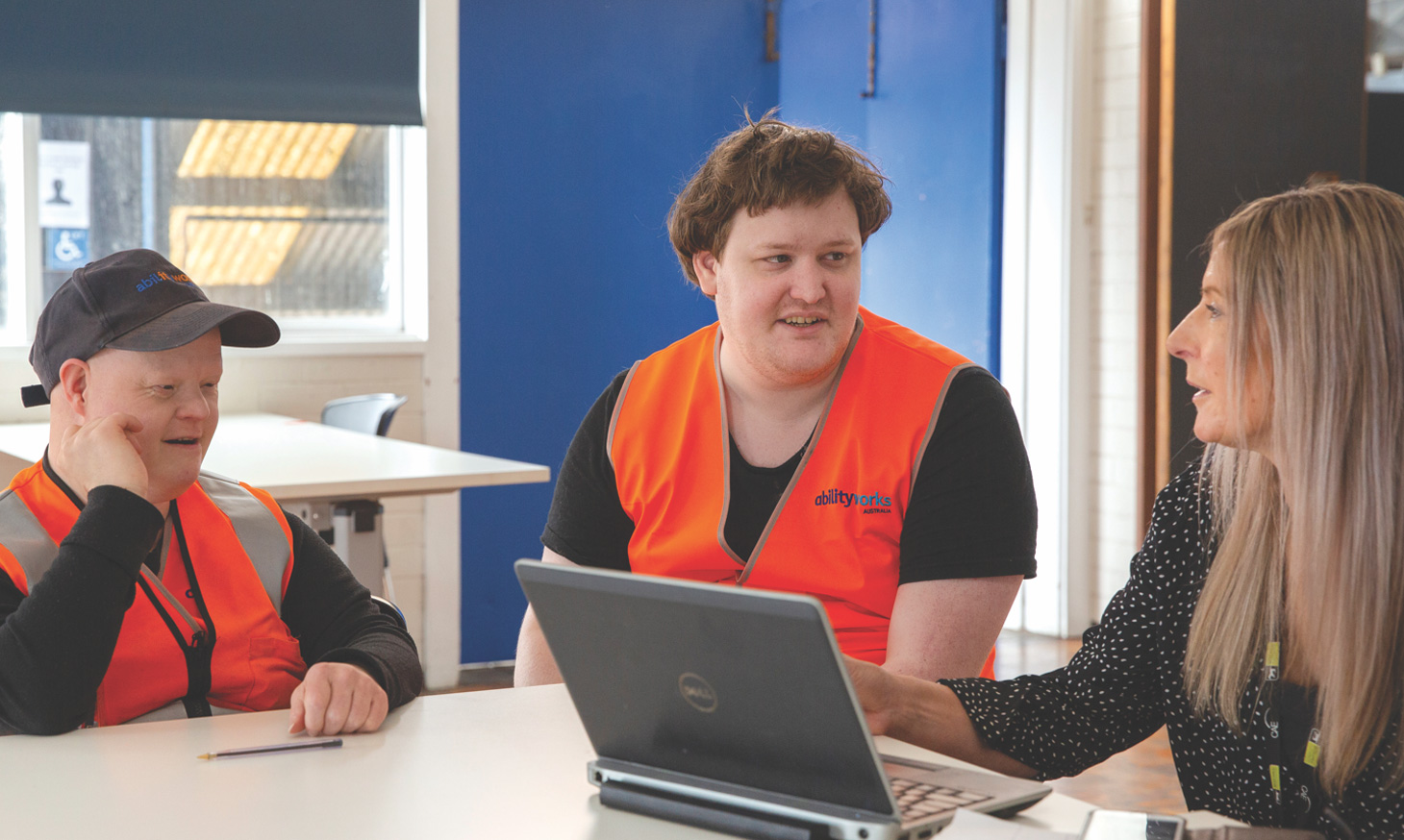
- Usability testing: People using laptops and digital tools; scrolling through the Ability Works website and reviewing prototypes at a table.
- Customer research and co‑design: Groups talking on trams, in meeting rooms and around tables.
- Testing physical environments:
- A man pulling a lever on a train
- A blind man approaching a tram door
- A wheelchair user tapping a myki card
- A wheelchair user being lowered from a taxi
- A man attempting to tap on at a train station gate, shrugging when it doesn’t work
- Inclusion training: A facilitator giving instructions; participants discussing workplace scenarios.
- Photo and video talent: A woman standing in front of lighting and camera equipment while a crew films.
- Surveys and feedback: A man handling paper forms at a table.
A blue screen appears with the text: “help raise awareness and influence change.”
How participants are supported
The video shows:
- Staff explaining processes clearly
- People receiving guidance during testing
- A facilitator assisting a blind participant through a tram doorway
- Participants reviewing information on screens
- A blue screen appears with the text: “project overview, what the session will cover, any requirements for participation.”
Later, two blue screens appear with:
- “you’re paid fairly for your time”
- “we’re committed to making the process safe, respectful, well supported.”
These visuals reinforce the trauma‑informed, participant‑centred approach.
Organisations we work with
Two sequences show rotating logos on a white background. Logos include: Alstom, Aurecon, Boroondara City Council, Victorian Department of Transport and Planning, Coles, John Holland, Kinetic, V/Line, Telstra, Transport for NSW, Qantas, Metro Trains.
These visuals highlight the scale of the work and the organisations committed to improving accessibility.
How to join
The video shows:
- A computer screen scrolling through the Ability Works website
- The Inclusive Insights Platform page
- A participant typing on a keyboard
- A simple form interface on the website
Closing visuals
The final screen displays “www.abilityworks.com.au” and a QR code linking to the Ability Works Inclusive Design web page before fading to the Ability Works Australia logo and tagline “Purpose Through Employment.”
The video fades to black.
Summary
If you cannot see the visuals or hear the audio, the key message is this:
The Inclusive Insights Platform connects people with lived experience to short, paid projects that improve accessibility across Australia. The video shows real participants, real environments and real examples of the work – from digital testing to transport design, co‑design sessions, inclusion training and more. It also shows the support provided at every step, the diversity of participants, and the organisations committed to improving accessibility.
The video reinforces that lived experience is valuable, and that voices like yours help create a more inclusive Australia.
To sign up to the Inclusive Insights Platform, visit: https://abilityworks.org.au/services/disability-inclusive-usability-testing/inclusive-insights-platform/