



What I’m learning from web accessibility testing
What I’m learning from web accessibility testing
Author: Dom Loulie, Project Coordinator for Inclusive Design, Consulting and Training.
Real issues, real users
As I learn and work in web accessibility testing, I spend a lot of time using websites the way many people have to – not the way most designers or decision makers do.
I test websites by:
- Using only a keyboard
- Listening with screen readers
- Slowing down and reading content the way someone with learning or cognitive differences might
And what I’m learning is simple, but important: ‘Many accessibility problems are hard to notice but can completely stop people from buying products or using services.’
Accessibility affects real people
Accessibility isn’t about rare or unusual users – it’s about everyday users who:
- Can’t see the screen and rely on audio
- Can’t use a mouse and rely on keyboards
- Need clear, simple language to understand instructions
- Use phones, zoom, or magnification tools to read content
These people are customers, staff, community members – the people organisations exist to serve. When a website isn’t accessible, it’s not just inconvenient. It often means someone can’t complete a task at all.
Why accessibility matters to organisations
In Australia, organisations must provide accessible digital services under the Disability Discrimination Act 1992, and many aim to meet WCAG 2.2 Level AA.
From what I see in testing, accessibility helps organisations by:
- Reducing complaints and legal risk
- Avoiding expensive fixes later
- Making services easier for everyone
- Turning inclusion goals into practical action
How I think about accessibility
When I test, I use four simple questions. They come from WCAG, but they’re easy to understand.
1. Can people access the content?
- Do images have meaningful descriptions?
- Are videos captioned?
- Is it easy to read?
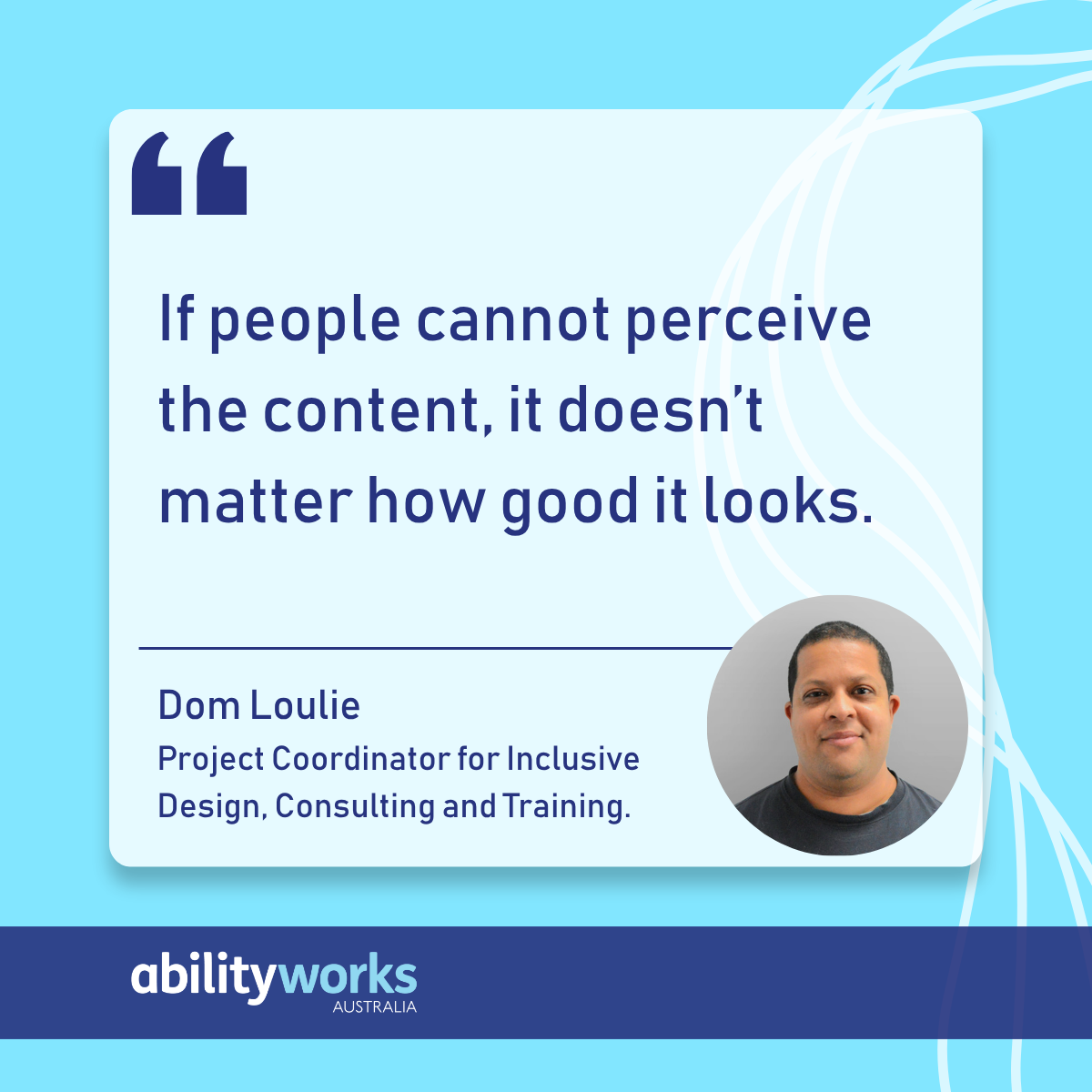
If people cannot perceive the content, it doesn’t matter how good it looks.
2. Can people use the site?
- Does it work without a mouse?
- Is it easy to move around?
- Is anything flashing, jumping, or disorienting?
If people can’t move through a site, they can’t use the service.
3. Does it make sense?
- Is the language clear?
- Are instructions easy to follow?
- Are error messages actually helpful?
Confusion is a barrier, even when the technology “works.”
4. Does it work with assistive tools?
- Can a screen reader interpret it properly?
- Do buttons, links, and form fields make sense when read aloud?
If assistive technology can’t understand your site, users are excluded.
What I regularly find when I test
Some of the most common issues are:
- Images with no useful descriptions
- Colour contrast that looks fine but fails in practice
- Headings that look right but are structured incorrectly
- Forms that break when something goes wrong
- Buttons or links that can’t be reached without a mouse
Most of these are easy to fix if they’re found early.
How I test accessibility
Automated Tools
I use automated tools to scan for known issues. They’re fast and helpful but also limited. They can’t tell you if something is confusing or frustrating. They’re a starting point, not the finish line.
Manual Testing
This is where real issues appear. I:
- Use only a keyboard
- Read pages without visual styling
- Test forms, errors, and instructions
- Listen using screen readers
This shows whether someone can actually use the service.
A Real Example
An automated tool told me a form was accessible but when I tested it with a screen reader, the problems were obvious:
- Error messages didn’t make sense
- Instructions were unclear
- Focus jumped to the wrong place
The result? The tool said it had passed, but a real user couldn’t submit the form – in real life, it didn’t work.
The lesson: Automated tools are helpful, but they’re not enough.
How I decide what matters most
I prioritise issues by impact:
- Critical – someone can’t finish a task
- High – important information is blocked
- Medium – causes confusion or frustration
- Low – small inconvenience
This helps teams focus on what affects users, not just what’s easy to fix.
What I want organisations to know
From my experience so far, accessibility isn’t about ticking boxes. It’s about whether people can actually use your service – from buying products to accessing essential information.
When accessibility is tested early:
- Fewer people are blocked
- Services work better
- Fixes cost less
- Everyone benefits
That’s what makes this work meaningful. Every fix improves someone’s independence and experience.